2D product customizer · 2D vs 3D configurator
2D or 3D? A plain guide to choosing
3D looks impressive, but it needs models and a little more loading time. 2D on real photos is quick to launch and looks exactly like your product. Here's how to choose, product by product, and why you don't have to choose for the whole store.
- Live 3D preview on phone and desktop
- Team rosters and bulk checkout
- Print-ready files with every order
- Free migration, live in 5 minutes



What it covers
2D vs 3D configurator on your photos
Choose 2D when
You have good photos, the product is mostly seen from a few angles, or you need to launch this week.
Choose 3D when
The product has many parts, customers want to turn it round, or variants multiply beyond what you'd photograph.
Cost
2D starts from photos you own. 3D needs a model, unless it's in our catalogue of 4,000+.
Speed
2D goes live in days. 3D from our catalogue does too; a new model takes longer.
Production
Identical: both produce the same real-size files and job sheets.
Mix them
Each product chooses. One dashboard, one checkout, one set of orders.
How it's set up
From your photos to live, in days
- 01
List your products
And how customers choose them.
- 02
Sort them
Many parts and angles to 3D, the rest to 2D.
- 03
Launch the 2D ones first
They go live fastest.
- 04
Add 3D where it pays
Product by product.
Products it suits
Where photos sell best



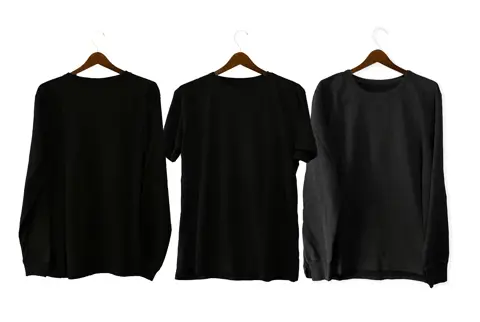
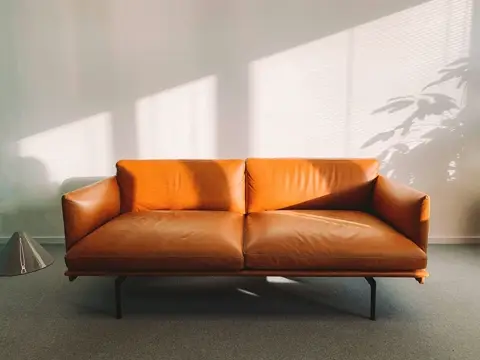
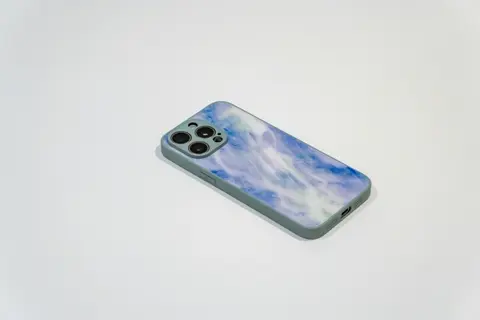
More on the 2D customizer
Everything 2D can do
Questions
What buyers ask us
Is 3D always better for conversion?
Not always. For flat or simple products, a sharp photo with a live preview sells just as well and loads faster. 3D pays off when customers need to see parts and angles they can't imagine.
Can I start with 2D and move to 3D later?
Yes. A product can switch when you have a model, and its options, prices and orders carry on.
We already use another customizer. Can we move?
Yes, and it costs nothing. Our team moves your products, options, fonts and artwork across, and your current setup keeps selling until the new one is live.
Book a demo
See 2d vs 3d configurator live
Pick the product you sell. We'll show it to you live in the customizer, set it up with you, and move anything you already have for free.
Every account is set up with you by our team, with no setup fee, and anything you already have is moved across for free.